Create a New Flight Plan
First, create a new Panorama flight plan within your project. You can find this option under "New Flight Template" in your flight plan dropdown.
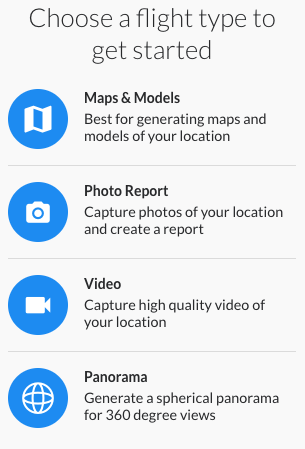
Panorama Flight Plan
Panorama flights fly the drone to a set perch point to take all images necessary to create an immersive spherical panorama. This will average 26 photos taken at all angles around the drone.
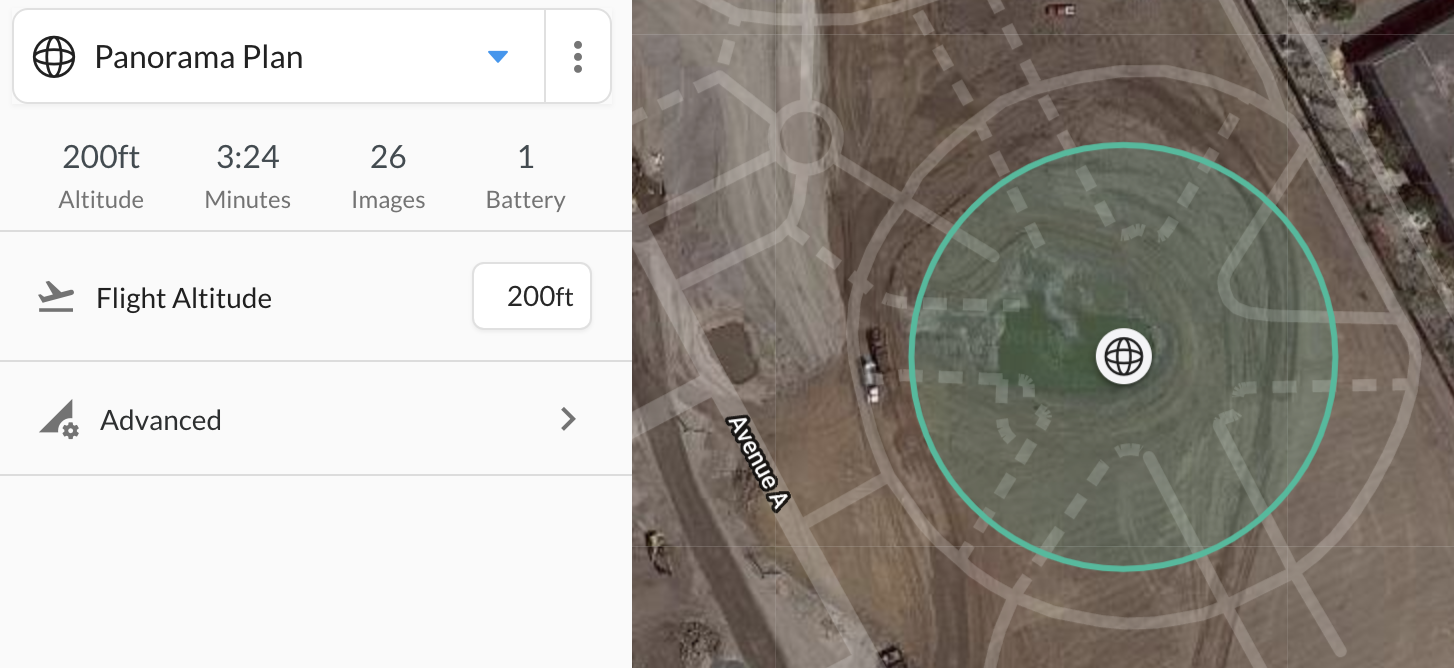
Currently, you may only take one panorama per mission.
Panorama Flight
Panorama flight supports DroneDeploy's standard pre-flight checklist before flight. Once in flight the drone will fly to the planned location, take images, and return to land.
Image recording will not start until the drone reaches the perch point for the panorama.
Several drones and cameras are less capable of producing high quality spherical panoramas. Due to this, panorama flights are not compatible with the following drones and cameras.
Uploading Panoramas
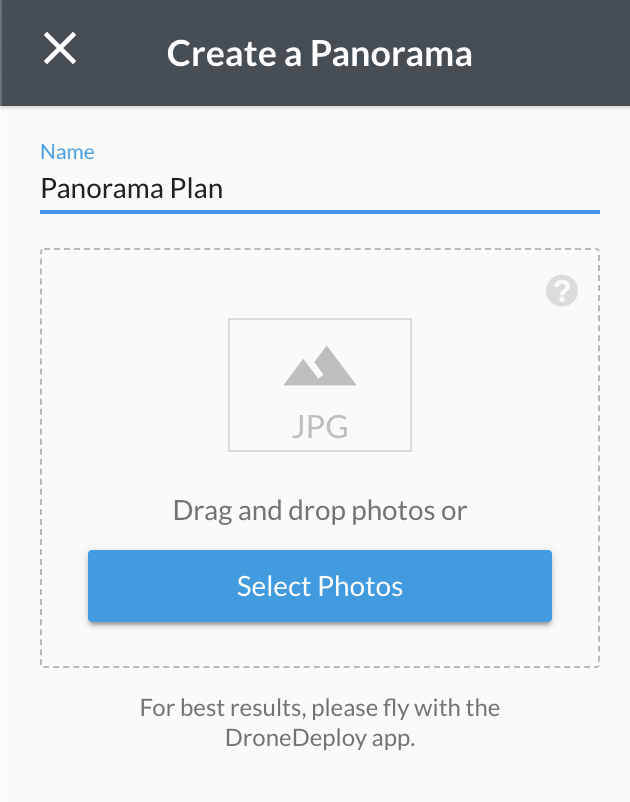
Once the flight is complete, your photos need to be uploaded to DroneDeploy to be processed into a completed panorama.
Upload, processing, and hosting is available for Business and Enterprise only.
We recommend using mobile upload as an easy way to gather the correct photos and upload without checking your SD card. Desktop upload is always available.

You will receive an email when your panorama is finished processing and ready to view!