Counting with DroneDeploy is simple. Our customers are counting all kinds of objects, equipment, and anomalies across a variety of markets.
NOTE: Our counting features are only available on desktop and laptop devices. This is due to performance limitations on mobile devices.
How to get started
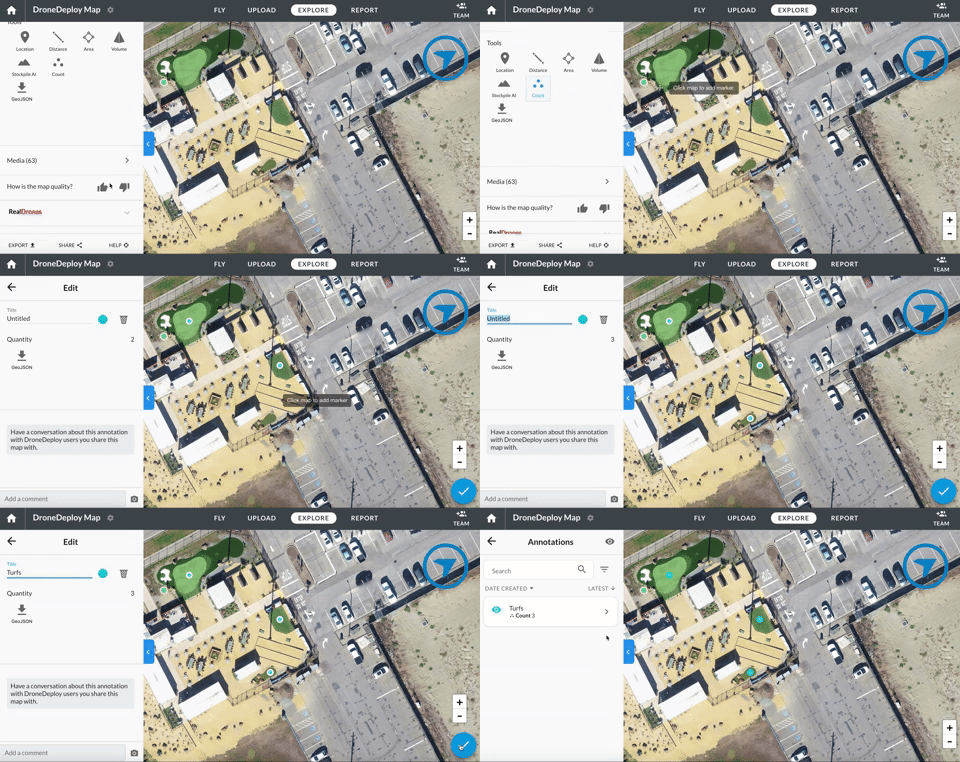
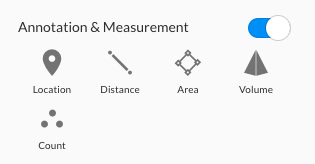
- You'll see a new icon in the desktop data page, as part of your annotations toolbox: “Count”
- Click the icon and start counting by clicking on each item you want to count.
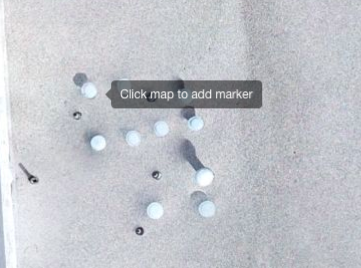
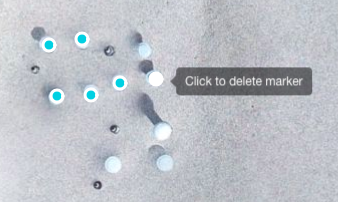
- Click on an existing marker to remove it. The quantity will be shown in the sidebar.
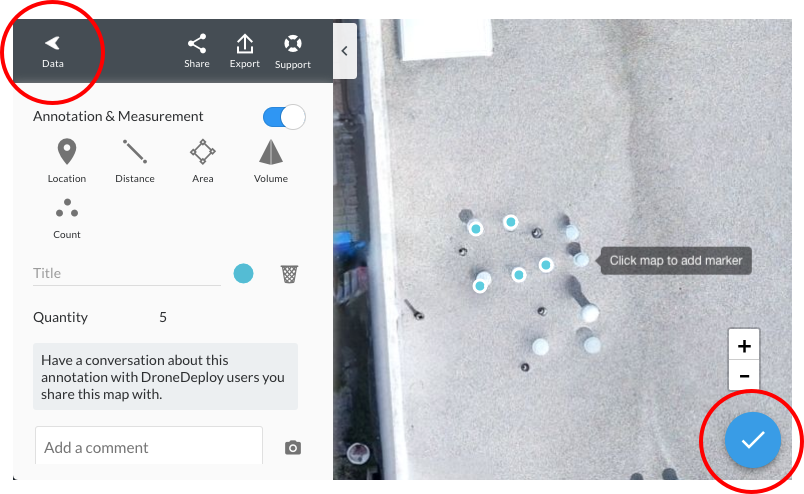
- Click the check mark or the back button to complete (and exit) your count.
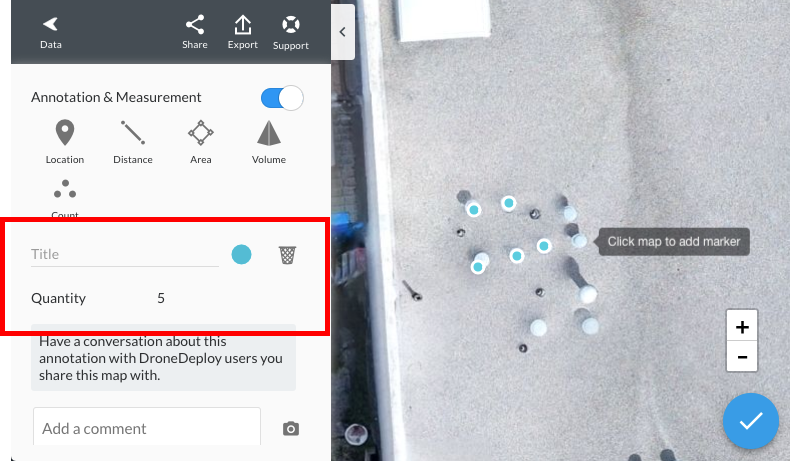
- Choose an appropriate title, color, and check the quantity counted here:
-
You can start a new count or other annotation at any time by selecting from the normal set.
-
You can delete the count like any other annotation.
Annotation Report
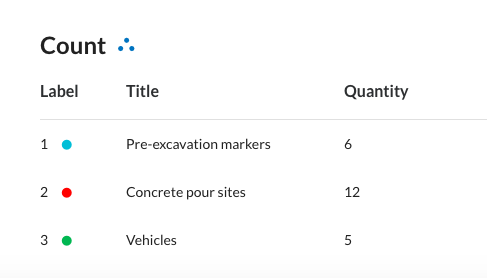
Counts you make on your site will now appear in the annotation report. When viewing a map you can click Export > Reports> Annotation report
They appear as follows:
AI Counting
DroneDeploy is developing capabilities to automatically count a variety of common objects, and we are able to build models for your specific needs.
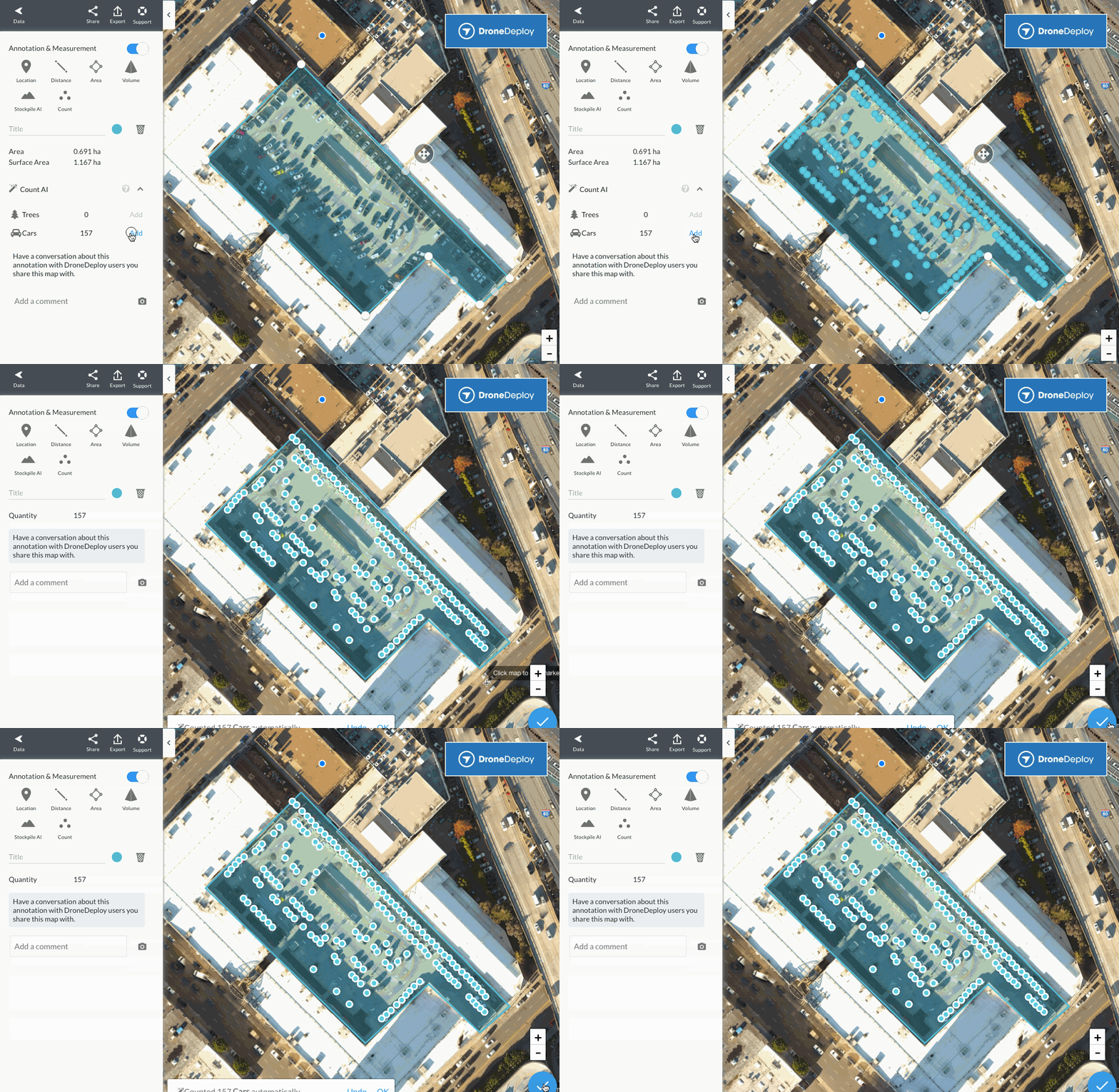
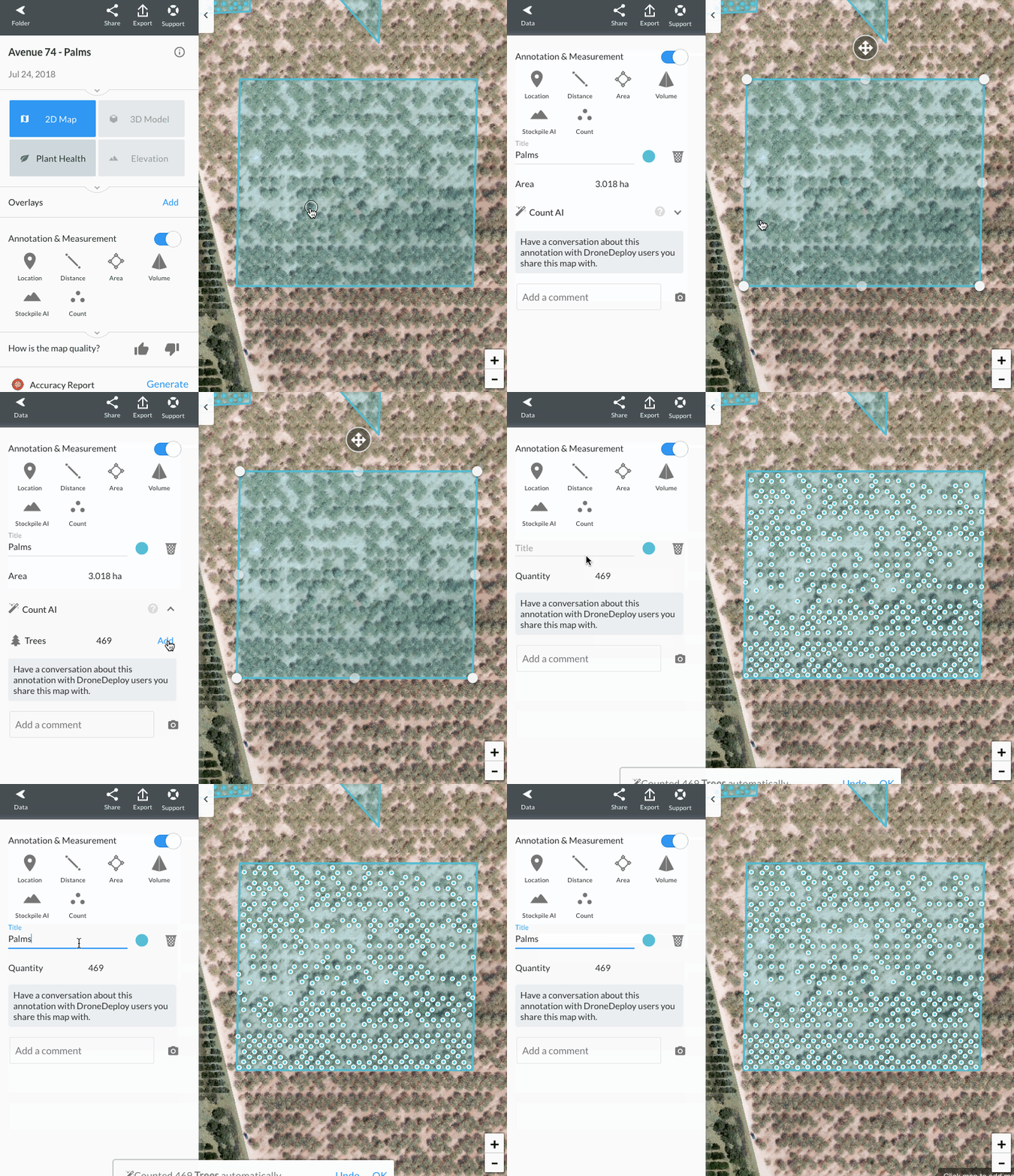
DroneDeploy’s Count AI is an Enterprise Platnium feature which automatically identifies objects in the orthomosaic, allowing you to rapidly identify and locate hundreds or thousands of objects in your maps. The first counting modules that we are making available to our enterprise customers are car and orchard tree counting.
In addition or cars and trees, Count AI can be trained to identify and quantify almost anything in your maps. Customers have asked us to count solar panels, swimming pools, corrosion, valves, and oil and gas equipment.
The count shown is limited to the current geometry of the area annotation you have selected.
Anything that is clearly visible and distinct on the 2D Orthomosaic image, elevation map or plant health image, can be counted automatically given sufficient annotated training data. Please speak to your account manager to discuss the addition of a new object type for your specific needs.
If you are a new customer or trialing DroneDeploy, contact our enterprise sales team now.
If you would be willing to take part in an early beta of the technology, sign up here:
Count AI beta sign up